RFID Tags for Laptops, Scanners and IT Assets

Accelerate physical audits and strengthen accountability across enterprise device fleets, including equipment that is disconnected, in storage or shared between users.

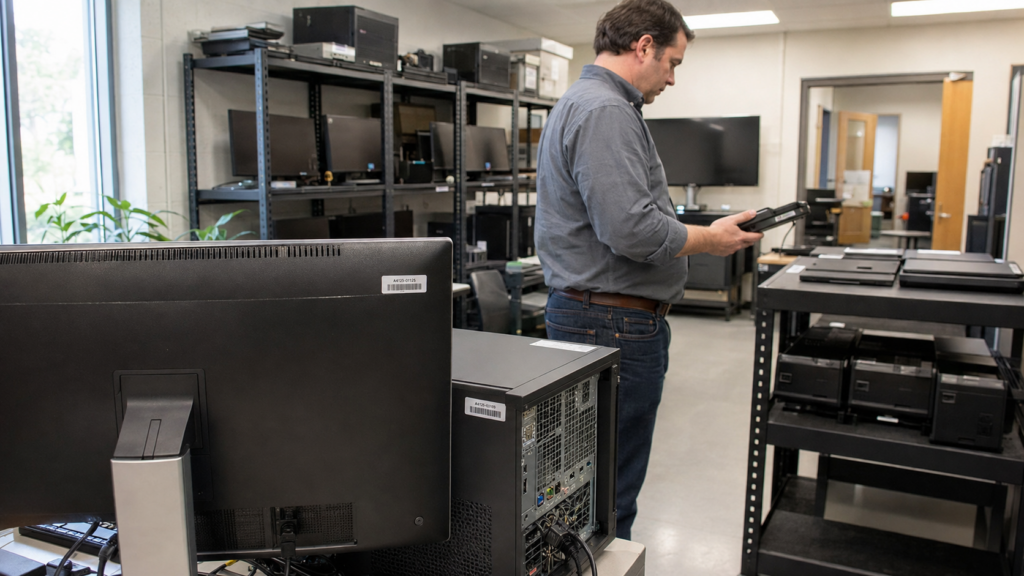
RFID IT asset management helps enterprises identify and reconcile laptops, monitors, tablets, barcode scanners, RFID readers and other electronic equipment across offices, stockrooms and multiple sites.

Unlike item-by-item barcode checks, RFID can identify multiple tagged assets without direct line of sight. This helps teams confirm which devices are present, missing, misplaced or assigned to the wrong location or custodian, including equipment that is disconnected, unpowered or held in storage.

Scaling across an enterprise fleet requires more than selecting a tag. Device categories, tag formats, adhesives, placement, printing, EPC encoding and serialization must be qualified and standardized across suppliers, sites and deployment phases. Xerafy supports this tagging layer, from representative-device testing to deployment-ready labels and production-scale supply.

RFID complements mobile device management, network discovery and ITAM software by adding evidence of physical presence and a history of RFID read events. The ITAM, HAM or CMDB platform and its configured workflows determine how those events update location, status and custody records.

Benefits of RFID for IT Asset Management

Rectangle-57 RFID for IT Asset Management

Complete Physical Audits Faster

Identify multiple tagged devices without direct line of sight across offices, stockrooms and shared work areas, including equipment that is disconnected or unpowered.

Reconcile Physical Assets with IT Records

Confirm which devices are present, missing or misplaced, and use RFID read events to update location or custody records through the appropriate ITAM workflow.

Keep Shared Devices Available and Accountable

Improve issue, return and retrieval of scanners, handheld terminals and other shared equipment while maintaining clearer responsibility for each device.

FAQs: RFID for IT Asset Tracking

Which RFID tags are best for laptops, scanners and other IT assets?

The right RFID tag depends on the device surface, available placement area, handling conditions, required identification and intended read workflow.

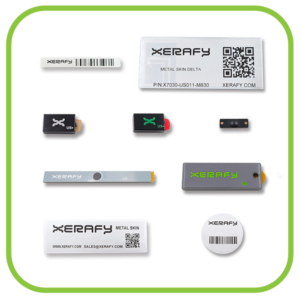
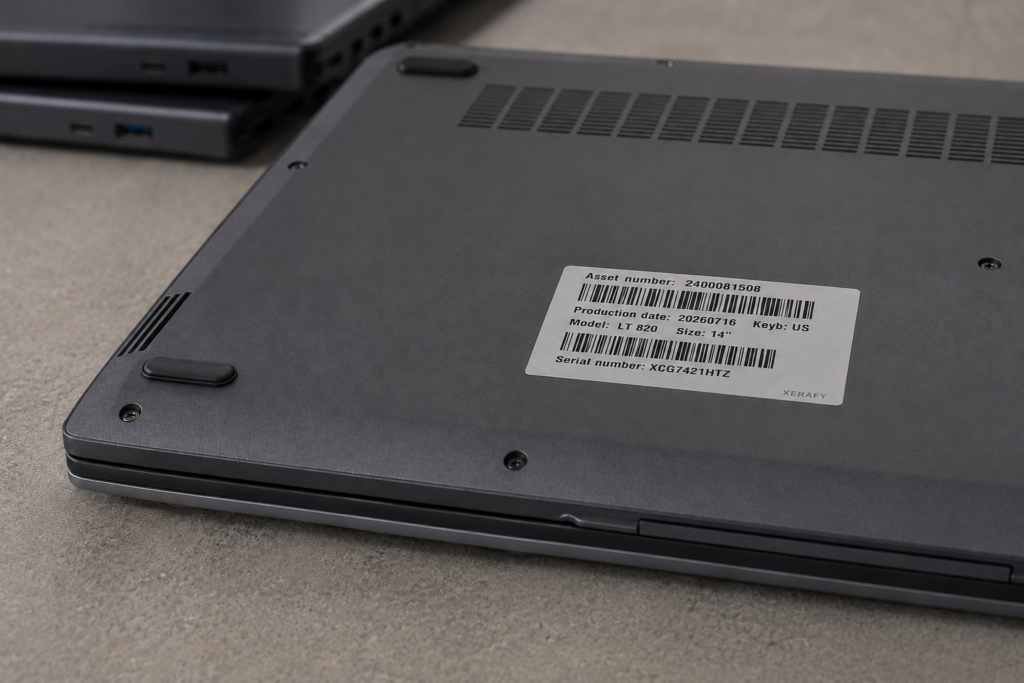
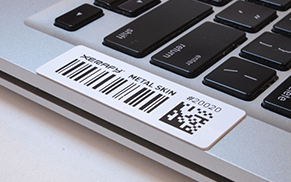
For laptops, monitors and other metal equipment, start with a printable on-metal label. The Metal Skin® series includes Metal Skin Delta for devices with sufficient flat placement area and smaller formats such as Titanium where space is more limited.

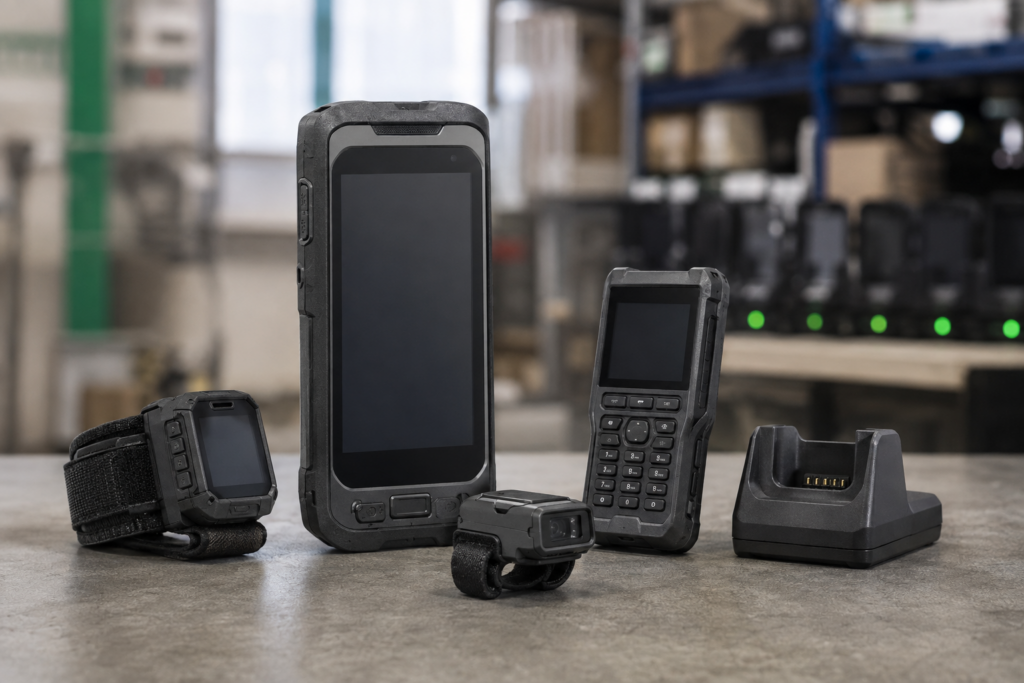
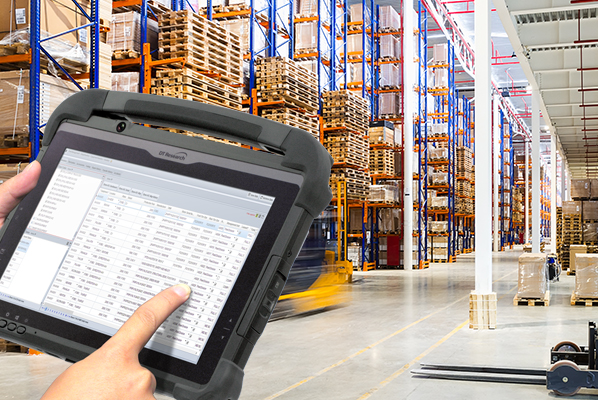
Scanners, handheld terminals and mobile computers may require a compact label or rugged hard tag, depending on the housing material, curvature, repeated handling, charging contacts and storage workflow.

Laboratory and test equipment may use either format depending on its surface, cleaning requirements and required read points.

Where a suitable external surface is unavailable, an embedded or device-specific custom RFID solution may be required.

These recommendations are starting points. Test shortlisted formats on representative devices before defining an approved tag, adhesive and placement specification.

Can RFID tags be applied to small, curved or irregular devices?

Yes, provided the tag construction, adhesive and placement are matched to the device geometry and materials.

Thin or flexible labels can conform to some slightly curved housings. Compact hard tags or custom designs may be needed for smaller devices, pronounced curves or surfaces exposed to repeated handling and abrasion.

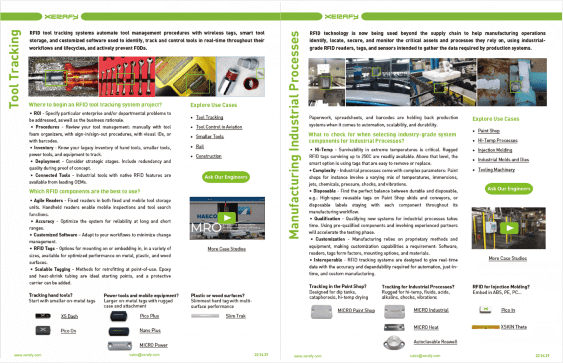
The tag must not obstruct ports, vents, controls, charging contacts, removable covers, existing identification or normal device use. The Engineer’s Guide to Scalable RFID Tagging for IT Assets explains the main surface, geometry and placement constraints to evaluate.

How should RFID tags be applied and tested before deployment?

Test each candidate tag on the actual device using the intended reader, storage conditions and operational workflow.

Before application, ensure the selected location is clean, dry and free from dust, oil or cleaning residue. Follow the adhesive’s surface-preparation, application-pressure and curing requirements before evaluating bond strength.

Validation should cover:
> Read distance, orientation and consistency
> Device material and approved tag location
> Handheld or fixed-reader performance
> Dense storage, cabinets, charging stations or smart lockers
> Adhesive durability and repeated handling
> Printing, barcode and human-readable identification
> EPC encoding and serialization
> Missed reads and unintended nearby reads

For mixed fleets, test representative models rather than assuming one tag and placement will perform consistently across every device. The IT Assets Test Pack provides suitable formats for comparative testing before rollout.

How do you maintain reliable RFID reads in dense IT environments?

Metal shelving, closely spaced devices, cabinets and charging stations can produce missed or unintended reads. Test devices together under expected storage conditions and at normal capacity, rather than individually in an open area.

Optimize tag placement, device orientation, antennas, reader power and read-zone boundaries around the intended workflow. Controlled read zones and software rules may also be required to distinguish a confirmed inventory, issue or return event from a nearby read.

A successful open-area test does not confirm performance inside the final cabinet, locker, stockroom or audit workflow.

How can RFID manage shared scanners and handheld devices?

RFID can identify when scanners, mobile computers and handheld readers are issued, returned or detected at defined locations.

Combined with user identification and the appropriate workflow software, these events can support custody records, shift handovers, retrieval and device availability.

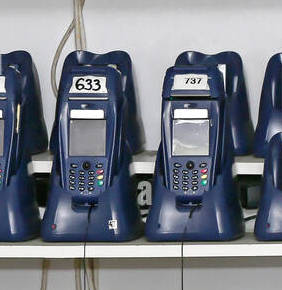
Readers may be deployed at storage areas, charging stations, controlled access points or inside smart lockers. See how a 3PL uses RFID smart lockers to manage shared warehouse scanners in a 24/7 operation.

How does RFID integrate with ITAM, HAM and CMDB platforms?

RFID readers generate physical read events containing the tag identity, time and reader or zone location.

Middleware or an integration layer filters these events and maps them to the corresponding record in an ITAM, hardware asset management or CMDB platform.

The resulting workflow can reconcile physical inventory with procurement, assignment and network-discovery records. RFID confirms physical presence at defined read points; the ITAM platform and configured business rules determine how location, status and custody records are updated.

RFID does not by itself provide continuous real-time location or determine an asset’s operational status.

What is required to scale RFID tagging across an enterprise device fleet?

A scalable program requires approved specifications for each device category or model, covering the tag format, adhesive, placement, printing, EPC structure, serialization, reader configuration and exception handling.

These specifications should be validated on representative devices before being used across suppliers, service providers, sites or regions. Standardized labels can then be printed, encoded and applied by a device supplier or service bureau before deployment, reducing work and variability at receiving sites.

On-metal labels remain the primary route for external device tagging. Where an external label is unsuitable, Xerafy can evaluate an embedded or custom RFID design around the enclosure, available space and manufacturing process.

The RFID Labeling Guide explains the available printing, encoding and service-bureau routes. For an enterprise rollout, discuss with Xerafy your fleet size, device categories, suppliers, rollout regions and data requirements.