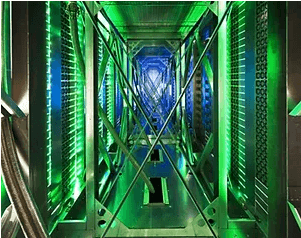
The project covered 60,000 IT assets across more than 900 rooms worldwide.
Its program manager shared seven practices behind that progress, including choosing compact on-metal tags, limiting unwanted reads from neighboring racks, improving handheld-reader technique and preparing asset systems for more frequent inventory data.
Best Practice #1 - Define the Inventory Problem
“The accuracy of our IT asset database was abysmal before RFID,” the Program Manager tells us. “We only had information for 70 to 80 percent of the fields we wanted to complete, and our location accuracy was even worse.”

Intel’s facilities used paper forms and barcode readers to track IT assets. The work took so long that teams audited only 10% of the assets in each data center every quarter, then extrapolated the results into an inventory report. Incomplete asset records and unreliable location information made reconciliation difficult.
RFID reduced the time needed to collect inventory, allowing teams to identify the full asset population and audit more frequently. That gave Intel a more complete, regularly updated basis for reconciling its physical equipment with its asset database.
“Inventory is almost immediate. I can do a whole room with RFID in less time than it used to take to inventory 10 percent of the items manually. Plus, I have 99 percent accuracy in my asset database.”
Best Practice #2 - Learn From The Best
Build on experience from comparable RFID data center deployments. Ask providers which equipment was tagged, how inventory was collected and what affected performance in populated racks.
Relevant deployment evidence helps narrow product selection and avoid repeating work already resolved elsewhere.
Best Practice #3 - Standardize Handheld Inventory Technique
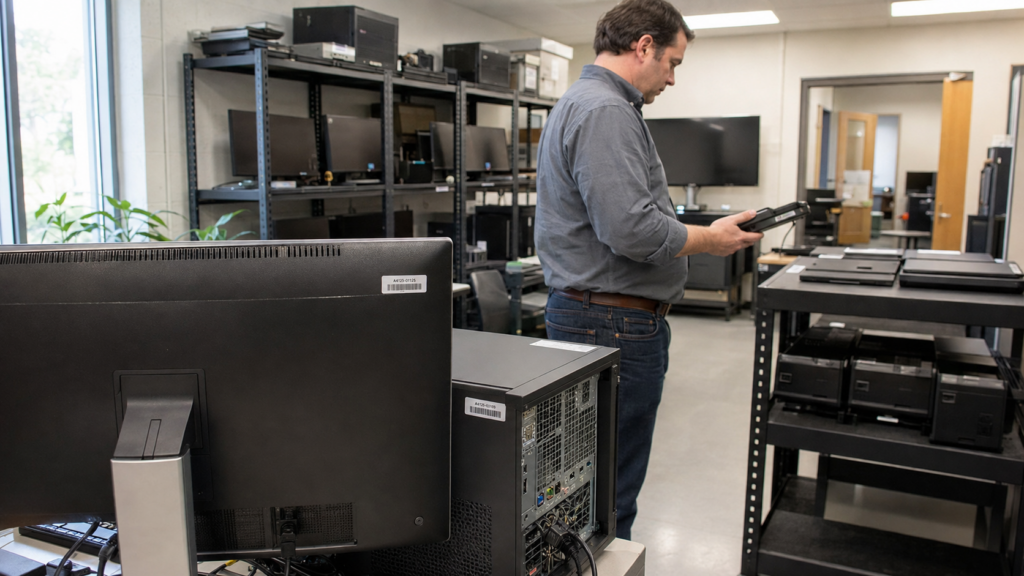
When Intel’s program manager visited its data centers, he found that differences in handheld-reader technique affected inventory speed. After watching a colleague take five minutes to inventory a room, he demonstrated how to complete the task in 30 seconds.
Make the reading method part of operator training. A consistent approach to covering rooms and racks helps teams get useful results from the same tags and readers.
Best Practice #4 - Prepare Asset Systems for More Frequent Inventories
Intel’s more frequent, complete inventories sent more asset information into its databases and software applications. The program manager highlighted the need to prepare asset systems for RFID inventory data, including testing and integration.
“Legacy systems often aren’t prepared to handle the amount of data IT systems provide, so planning, testing, and integration are essential.”
Best Practice #5 - Match Tag Size and Read Coverage to the Rack
Intel’s program manager evaluated tags from several suppliers, prioritizing tag size and read coverage suited to densely packed equipment. The tags needed to fit the available space and identify assets in the rack being checked while limiting unwanted reads from equipment farther away.
“Some tags had larger antenna so you could read them from farther away. That’s not what you need in a data center because when you’re reading a rack, you don’t want to get spillover from four racks away. The system is allowing me to have an accurate picture of where assets are in a room. I can isolate a server to a rack in a large data center in 77 seconds; it used to take 5 minutes.”
Best Practice #6 - Match the Tag Configuration to Your Equipment
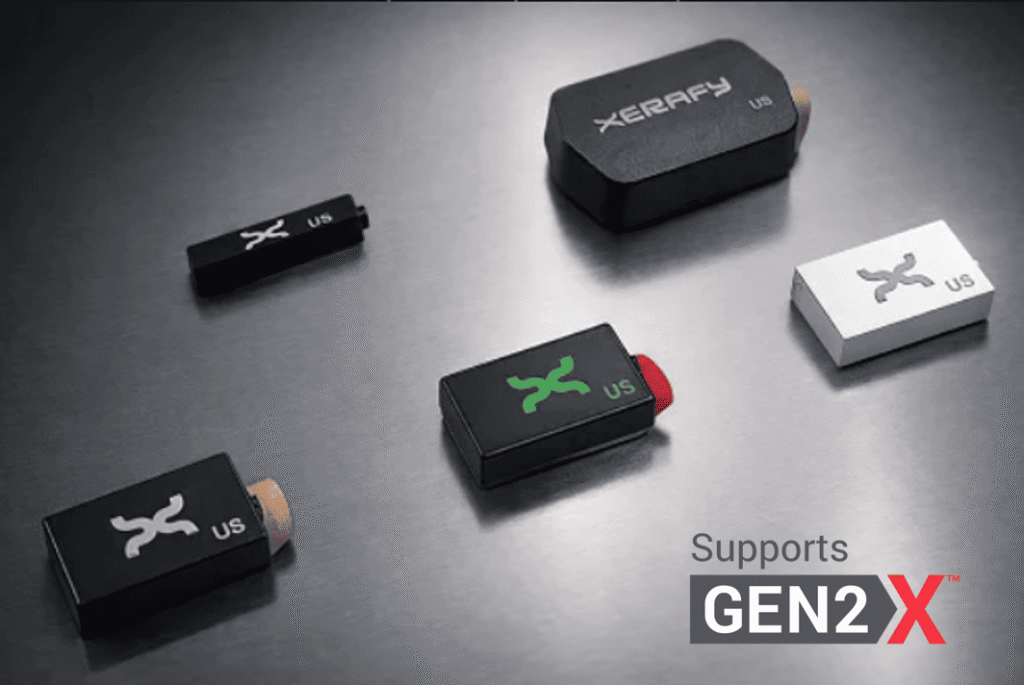
Intel selected Xerafy’s PICO On, a compact rugged on-metal UHF tag, a compact rugged on-metal UHF tag. Xerafy worked with the team on tuning to suit its densely packed equipment and rack-inventory requirements.
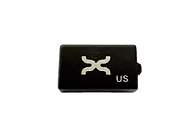
“Xerafy had the smallest tags, and they were willing to work with us on tuning so we could get exactly what we needed. We needed that size and flexibility to make this work.”
Xerafy’s current PICO series includes standard compact on-metal tags. Start with a model that fits your equipment, with engineering support available for requirements beyond the standard options.
Best Practice #7 - Extend Identification Across the Asset Lifecycle
Intel’s program manager saw opportunities to extend RFID beyond periodic inventories, identifying more assets and supporting their management throughout the equipment lifecycle.
Source tagging was already part of that expansion: new equipment from IT suppliers arrived with pre-encoded RFID tags applied. Moving tagging and encoding upstream prepared the equipment for identification from receipt.
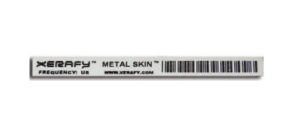
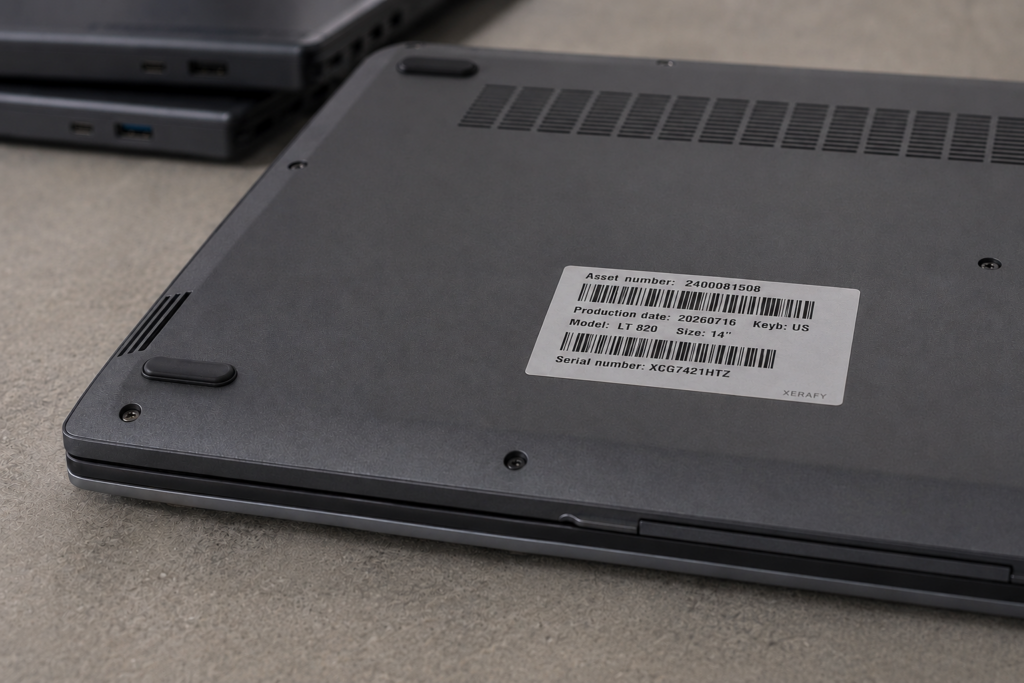
For laptops, smartphones and other enterprise IT devices, printable slim RFID labels provide a way to combine electronic identification with visible asset numbers and barcodes.
Choosing RFID for Your Data Center Inventory
Considering RFID for rack inventory or audits? Start with tags that fit your equipment, read coverage suited to the racks being checked and a consistent inventory method.
Share your server, switch or storage-device models and approximate quantities with Xerafy for a standard tag or label recommendation, pricing and samples.
For samples to try on your equipment, request the IT Assets & Data Center Test Pack.
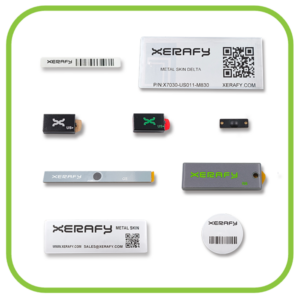
Xerafy is a pioneer in Industrial RFID, bringing to market several innovations that enable advanced industrial identification and automation capabilities.
In addition to a complete range of field-proven RFID tags available off-the-shelf, Xerafy offers Custom RFID Tags services, covering everything from a personalization service bureau to custom-design engineering capabilities.